Ekran Görüntüsü Yakalama (Print Screen Capture) Programı — C#
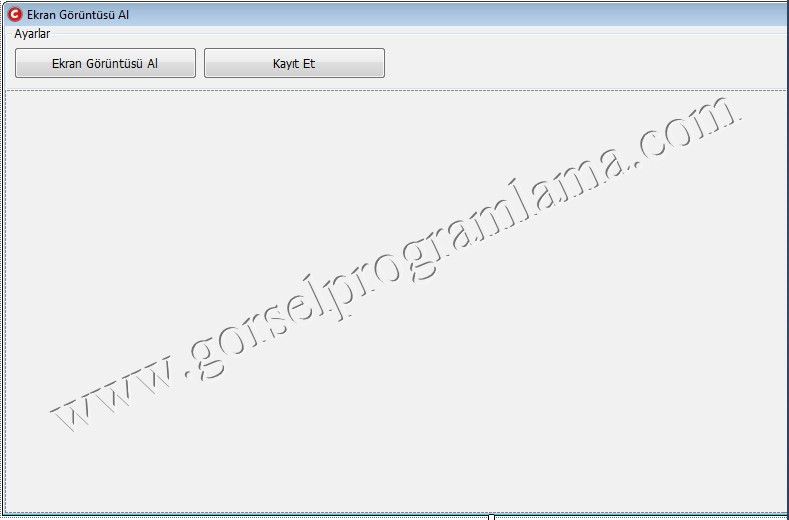
[code lang=”csharp”]
using System;
using System.Collections.Generic;
using System.ComponentModel;
using System.Data;
using System.Drawing;
using System.Linq;
using System.Text;
using System.Windows.Forms;
using System.Drawing.Imaging;//www.gorselprogramlama.com
namespace Ekran_Goruntusu_Alma
{
public partial class Form1 : Form
{
public Form1()
{
InitializeComponent();
}
private void GoruntuAl()
{
Bitmap Goruntu = new Bitmap(Screen.PrimaryScreen.Bounds.Width, Screen.PrimaryScreen.Bounds.Height);
Graphics GFX = Graphics.FromImage(Goruntu);
GFX.CopyFromScreen(Screen.PrimaryScreen.Bounds.X, Screen.PrimaryScreen.Bounds.Y, 0, 0, Screen.PrimaryScreen.Bounds.Size);
//www.gorselprogramlama.com
pbKayit.Image = Goruntu;
}
private void btnGoruntu_Click(object sender, EventArgs e)
{
GoruntuAl();//www.gorselprogramlama.com
}
private void btnKaydet_Click(object sender, EventArgs e)
{
pbKayit.Image.Save(Application.ExecutablePath + "goruntu.jpeg",ImageFormat.Jpeg);
MessageBox.Show("Resim programın dizinine kayıt edilmiştir.","Başarılı");
}//www.gorselprogramlama.com
}
}
[/code]
başka bir sürücünün içindeki klasöre kaydettirmek istiyorum, yardımcı olur musunuz?
@can
Application.ExecutePath kısmı yerine klasörün adresini yazarsanız sorun çözülür